

1xBet iOS App Download for iPhone and iPad


- App Name
- 1xBet
- Platform
- iOS
- File Type
- App Store app
- File Size
- 321 MB (App Store)
- RAM
- 2 GB
- Free Storage Required
- 500 MB
| App Version | 259.0 (App Store) |
| App Store rating | 3.8 out of 5 (9.5K ratings, checked 9 Nov 2026) |
| Provider | 1xBet (1xCorp N.V.) |
| Category | Sports |
| Age Rating | 18+ (In-App Controls) |
| Languages | English, Filipino + 50 more |
| Minimum OS Version | iOS 15.0 |
| Compatibility | iPhone, iPad, iOS devices min – iOS 15+ better – iOS 15.0 or later |
| Main Coverage | Full sportsbook and casino |
| Main Features | Live betting, fast odds, HD live streaming, biometric login, push notifications |
| Payment Methods (PH) | GCash, Maya, bank transfers, Visa, MasterCard, cryptocurrencies |
| Minimum Deposit (PH) | ₱100 |
Own an Android phone as well? Get the 1xBet APK for Android, the lighter 1xBet Lite for older devices or the 1xBet PC client on Windows.
1xBet iOS App: Is It in the Philippine App Store?
For iPhone and iPad users, the 1xBet iOS app download is a more streamlined process conducted entirely through the Apple App Store. But 1xBet App not listed in the Philippine region. This is a regional restriction, not technical.
There are two methods for iOS users:
- App Store installation (with a region switch)
- PWA (Progressive Web App)
Install the 1xBet iOS App via App Store (Region Method)
To acquire the 1xBet iPhone app PH, proceed as follows:
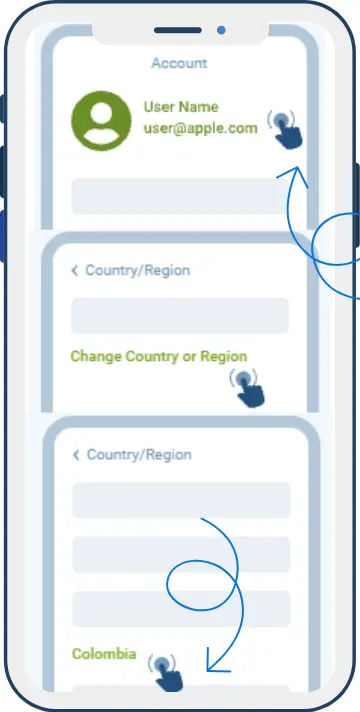
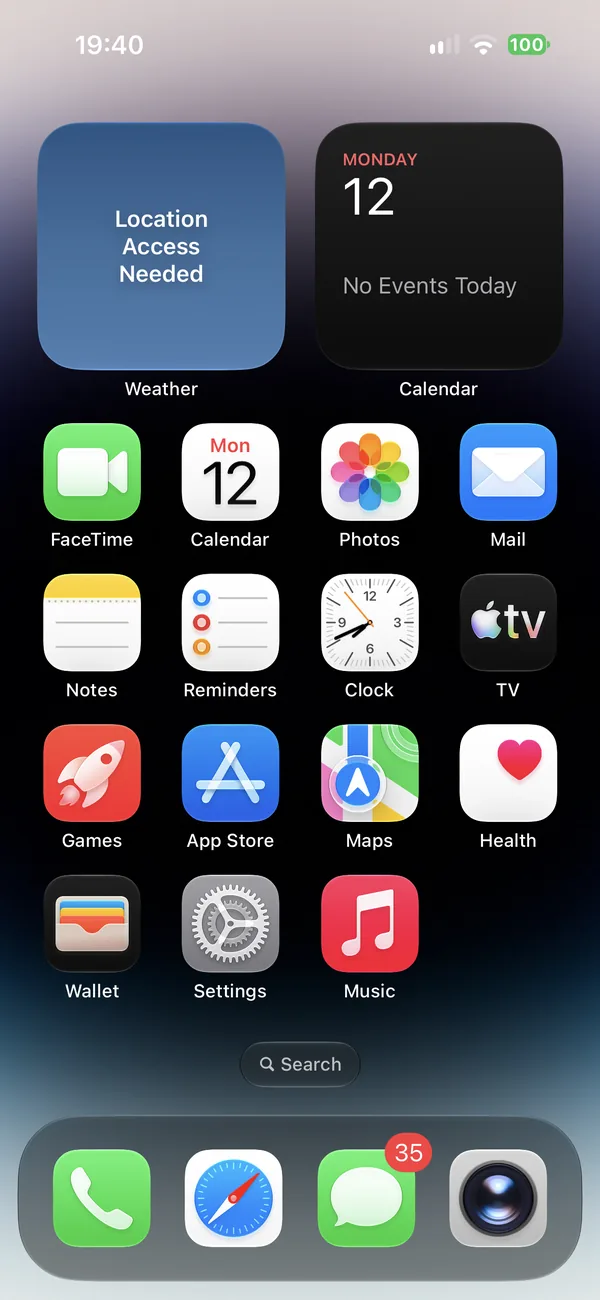
Open your Apple ID settings
Use promo code 1x_3750778 when registering at 1xBet to increase your bonus.
Change the App Store Region: Step by Step
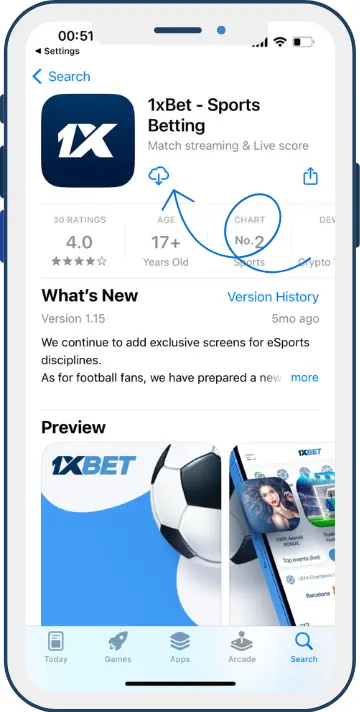
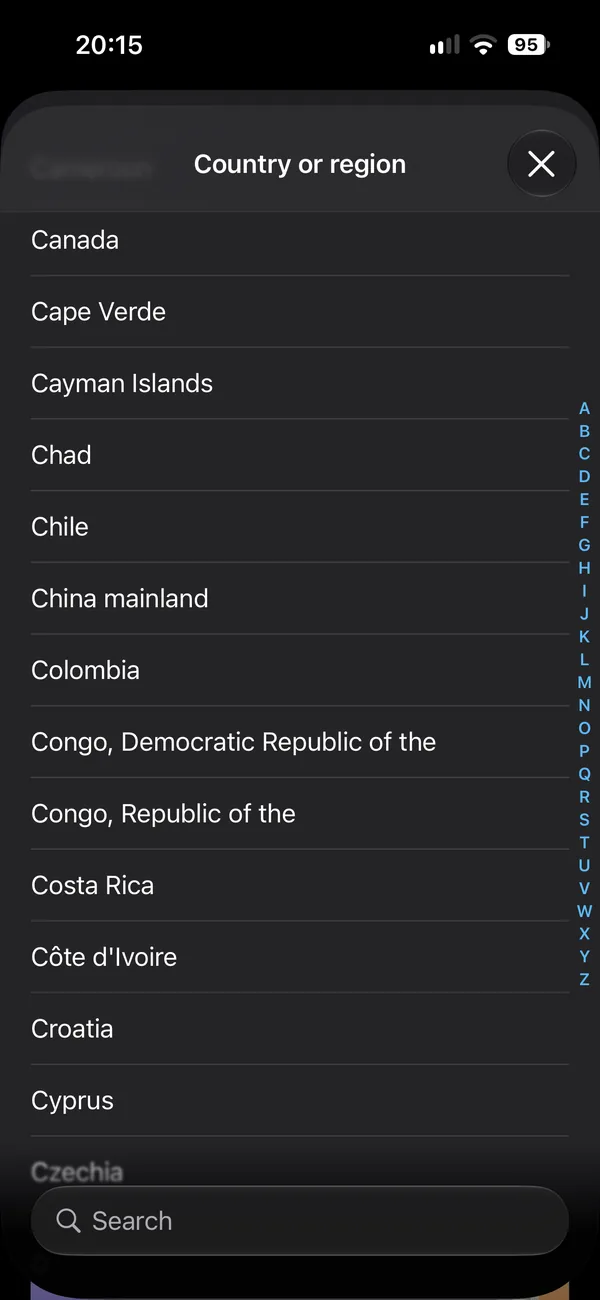
You do not need a new Apple ID. It is enough to change the country or region of the account you already use. The official 1xBet instructions show Colombia as their example; any region where 1xBet is listed in the App Store works.
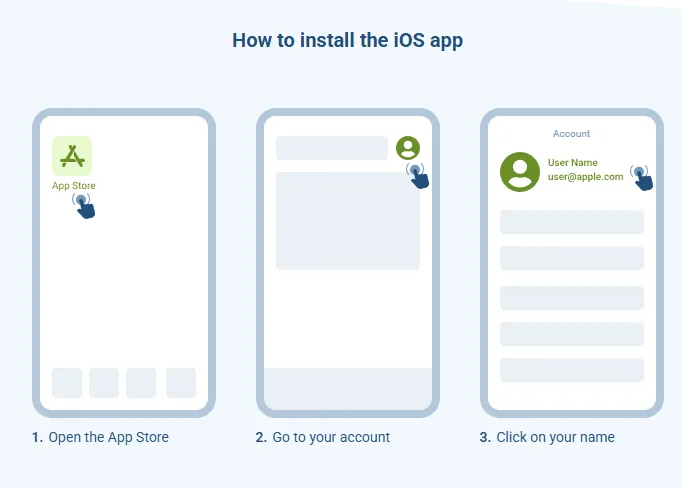
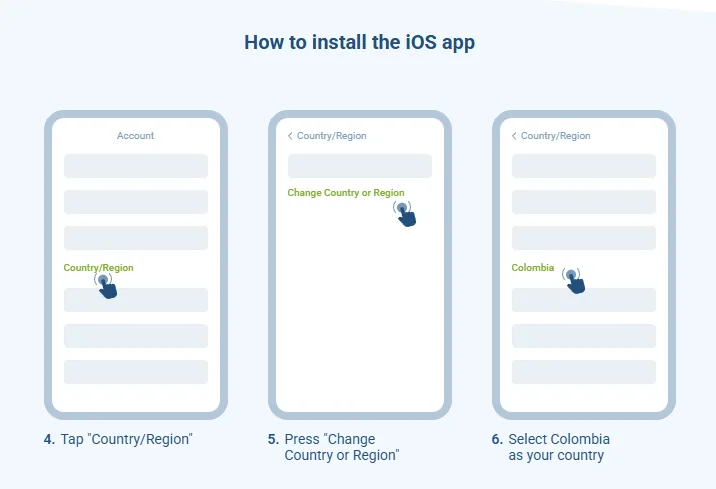
- Apple asks you to cancel active subscriptions and use up any store credit before the region can change.
- When Apple asks for a payment method, choose None (if the option is missing, see the troubleshooting table below).
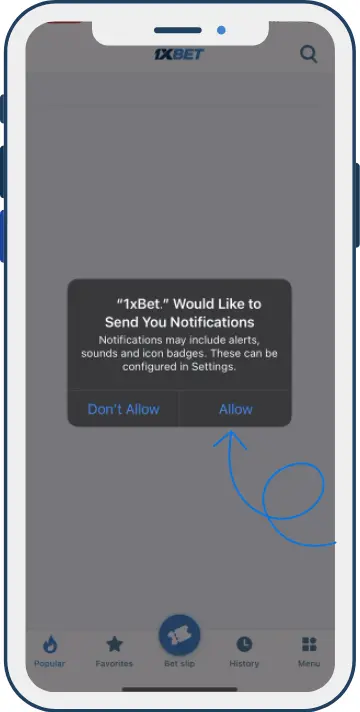
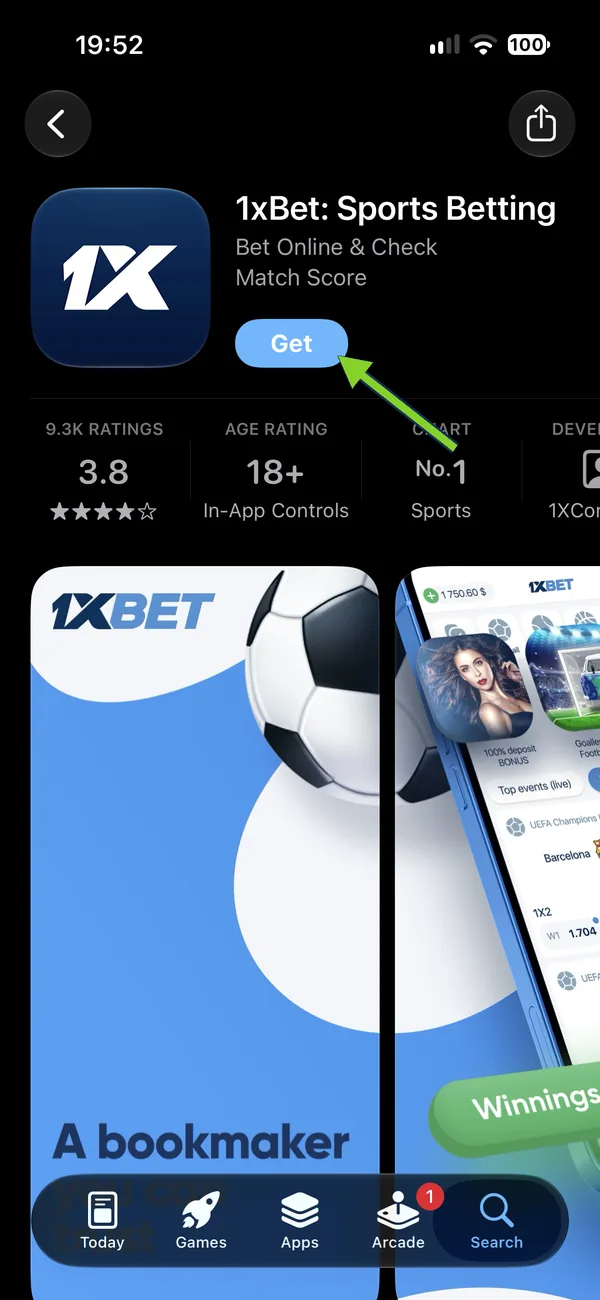
- Accept the terms for the new region, then search for “1xBet” (publisher 1XCorp N.V.) and install it.
- Afterwards you can switch the region back to the Philippines. The app stays installed; updates may need the other region again.
Prefer not to touch the region? Use the home-screen shortcut (PWA) described below.
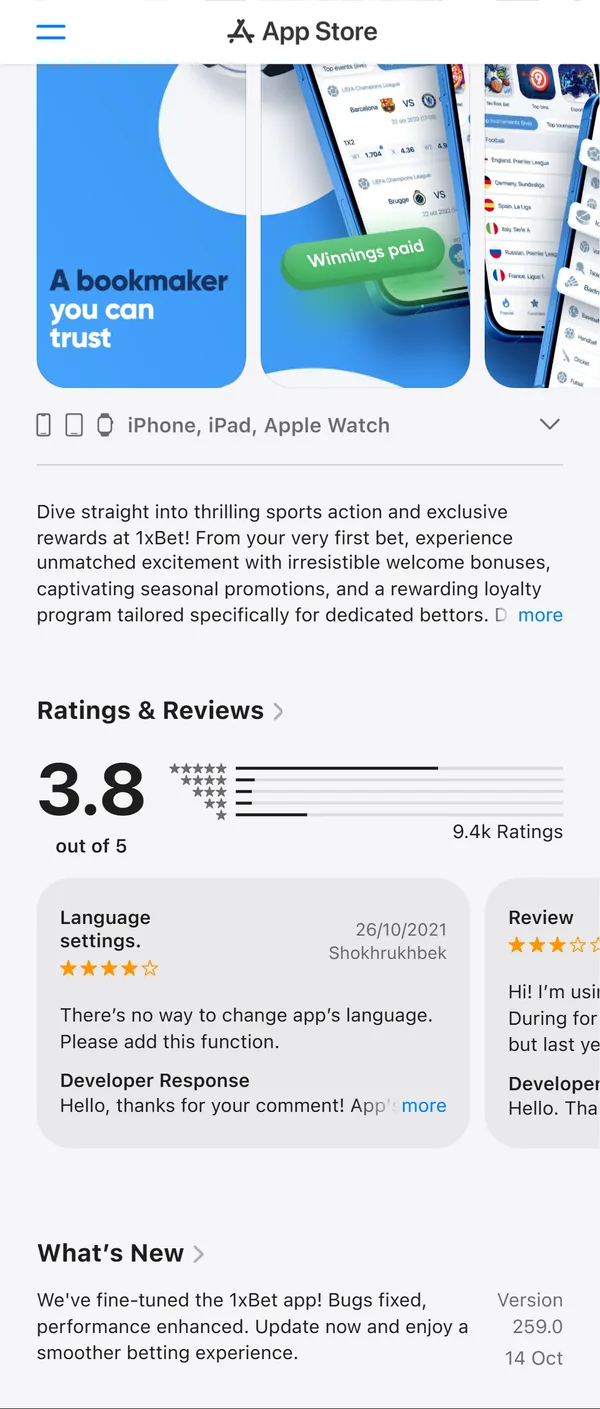
1xBet in the App Store: Listing Details
We checked the App Store listing on 9 November 2026: version 259.0, size 321 MB, rating 3.8 from about 9.5K ratings, developer 1XCorp N.V. The listing shows an age rating of 18+ (In-App Controls); in the Philippines you must be 21 or older to bet.
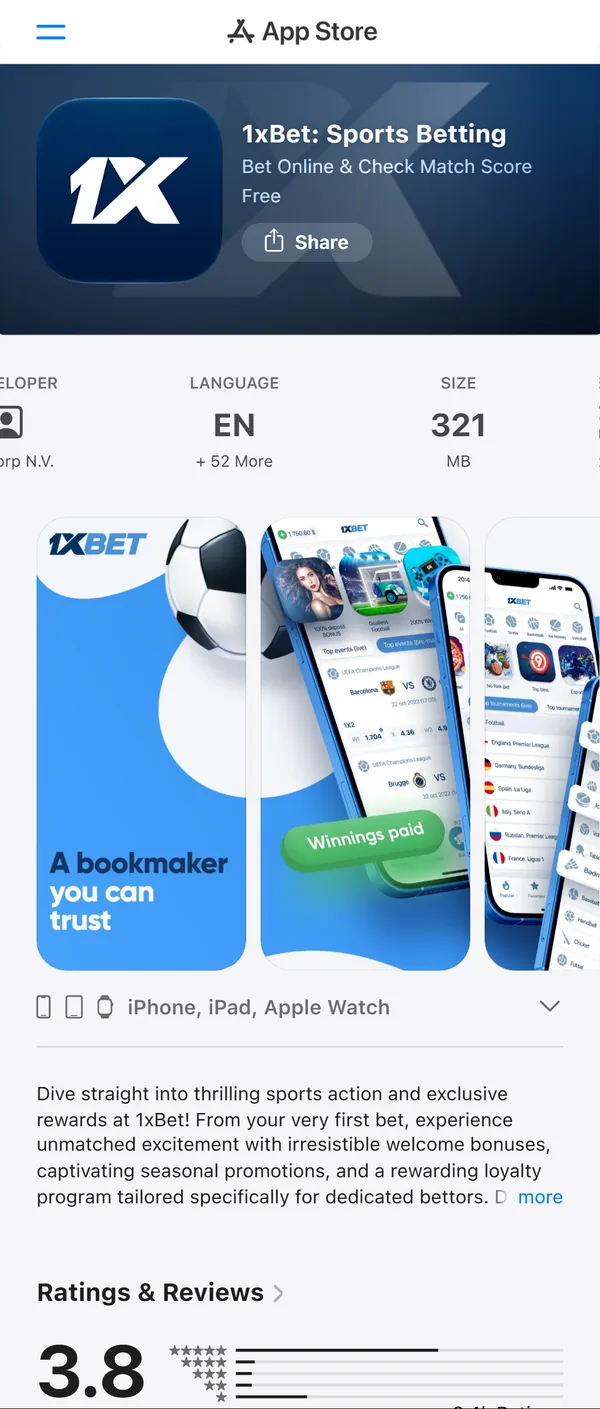
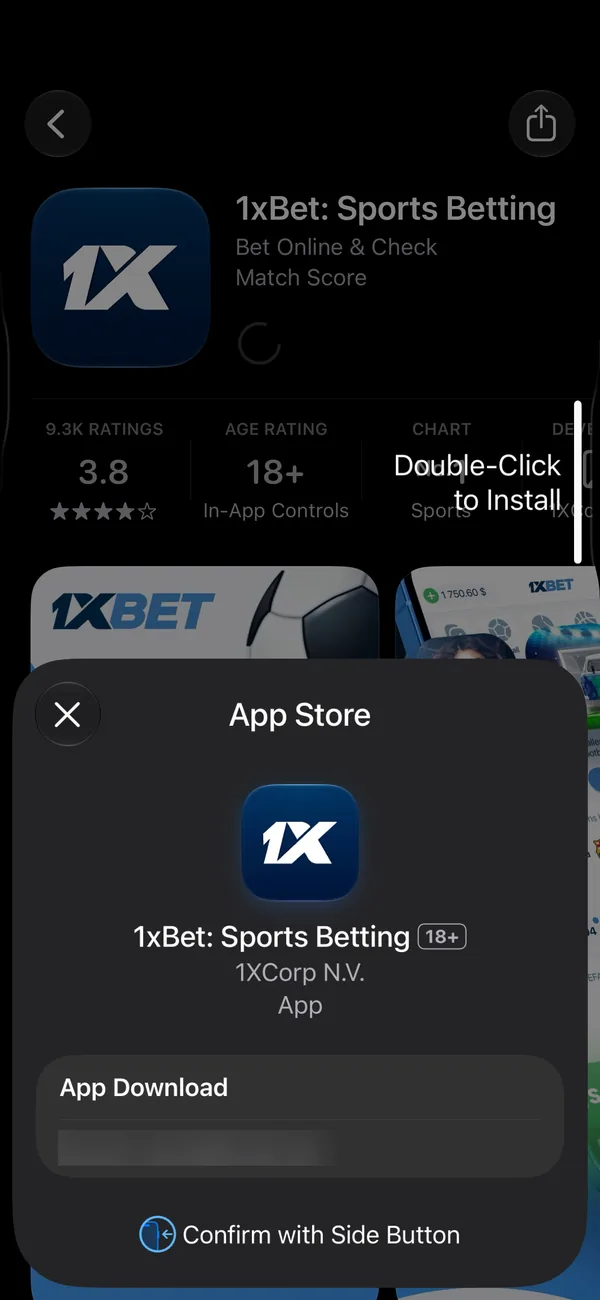
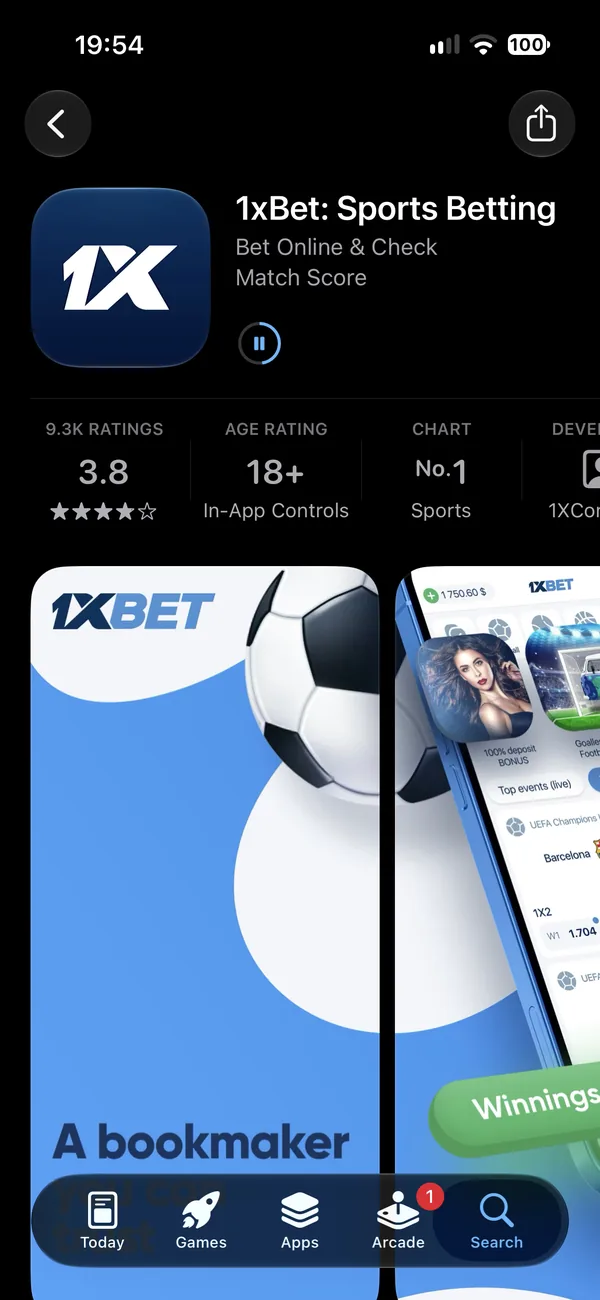
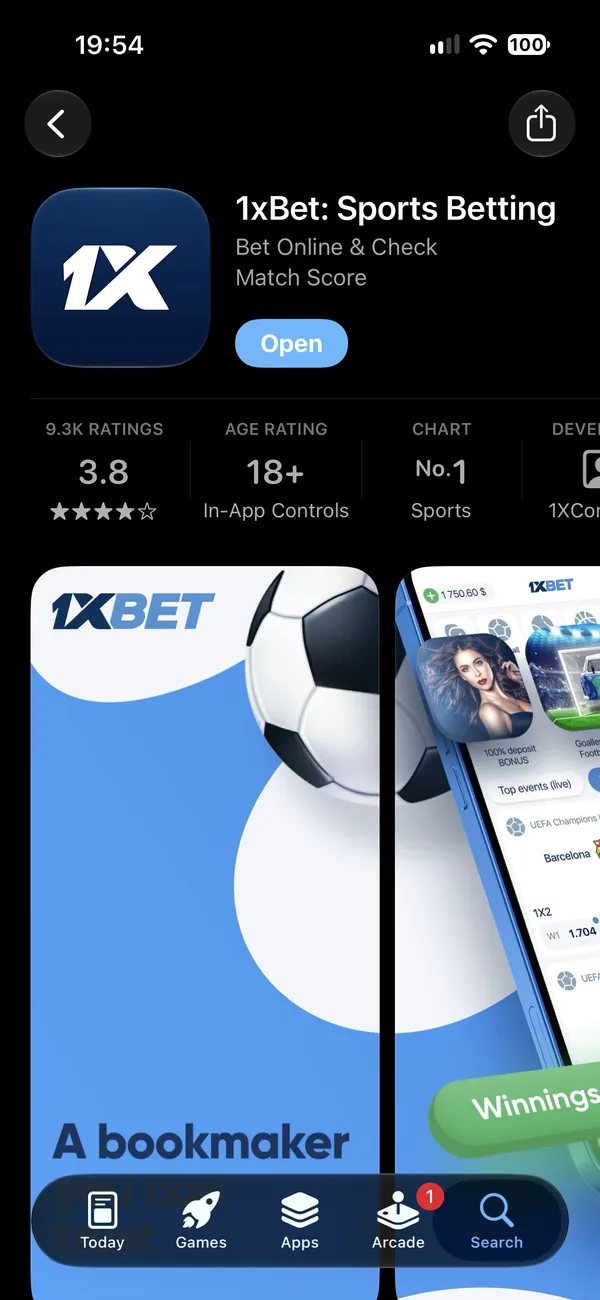
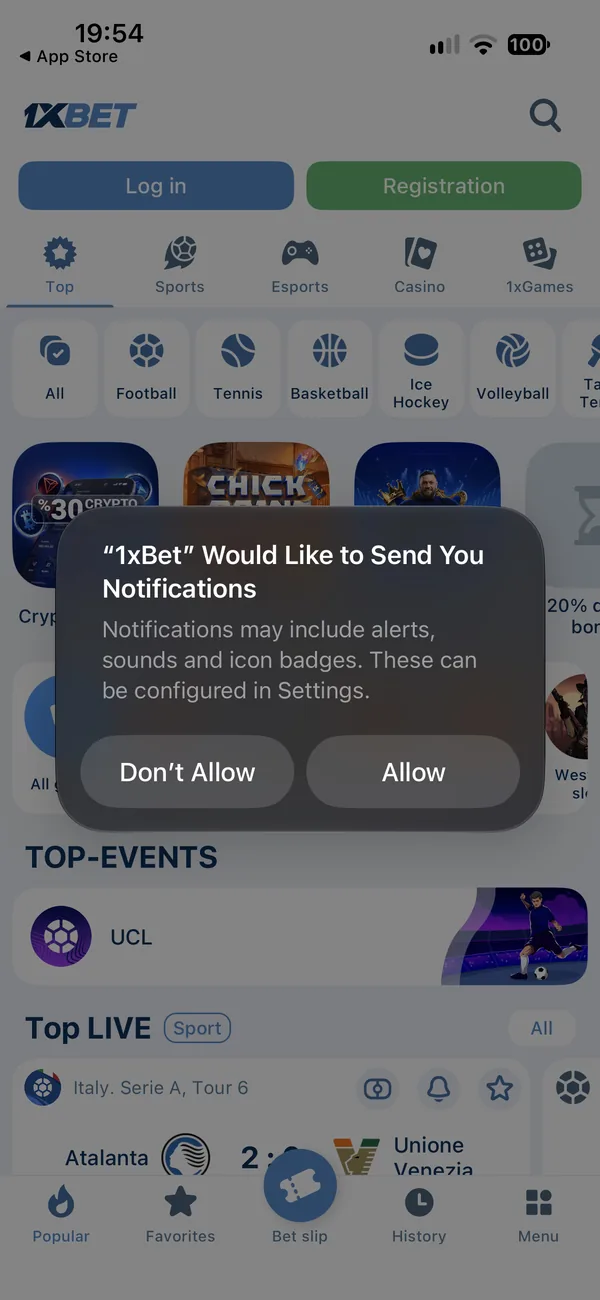
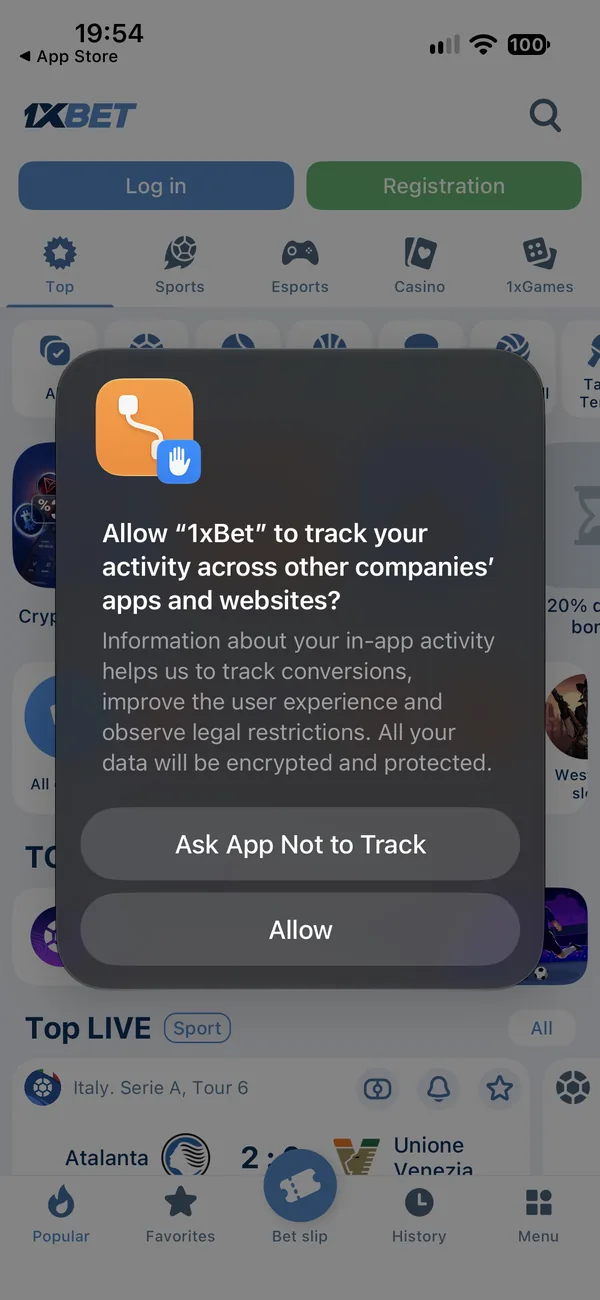
Install 1xBet from the App Store: Screenshots
The same steps on an iPhone, from the home screen to the first launch.
Register in the iOS App and Enter the Promo Code
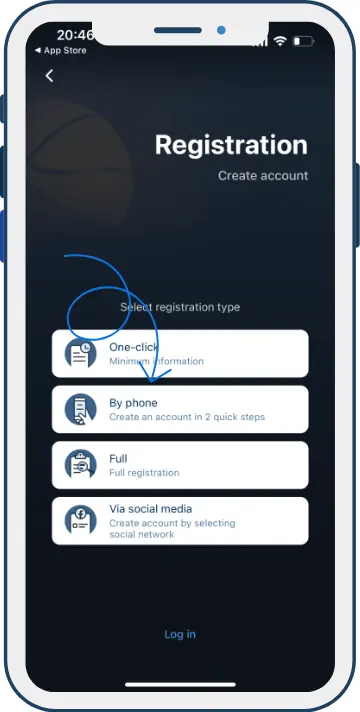
Open the app, tap Registration and choose a method: one click, phone, email or social media. In the registration form enter the promo code 1x_3750778 in the Promo code field (highlighted in the screenshots), choose your welcome bonus, accept the terms and tap Register. For email registration the app sends a confirmation code to your address. After registration you can switch on Face ID login.
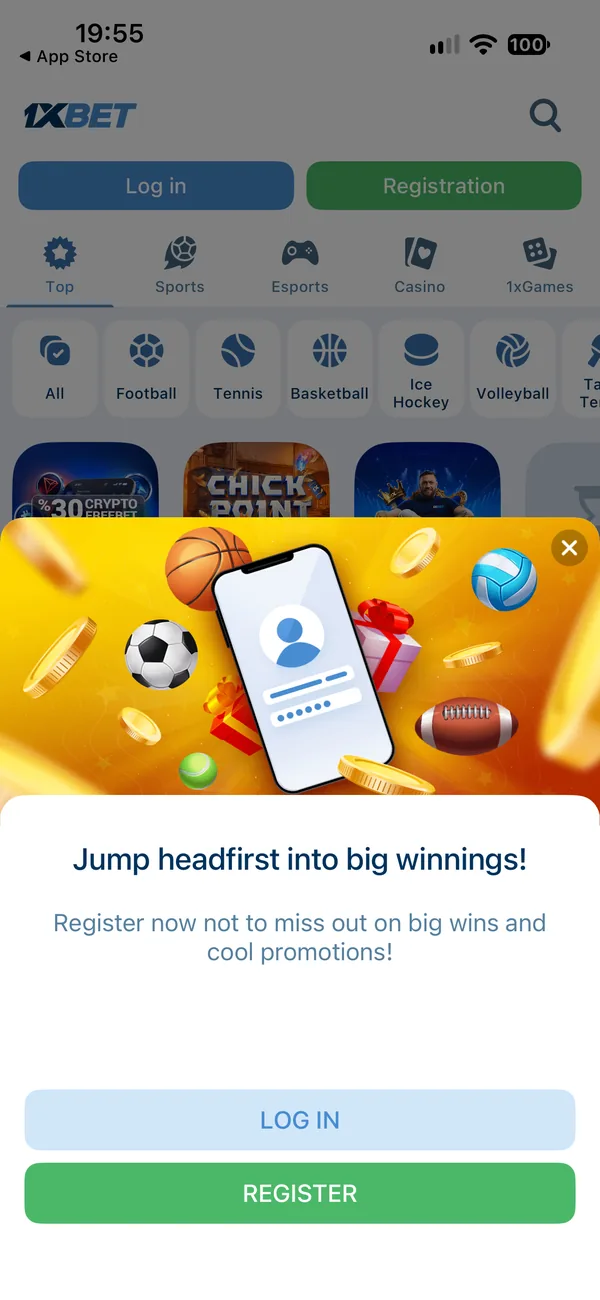
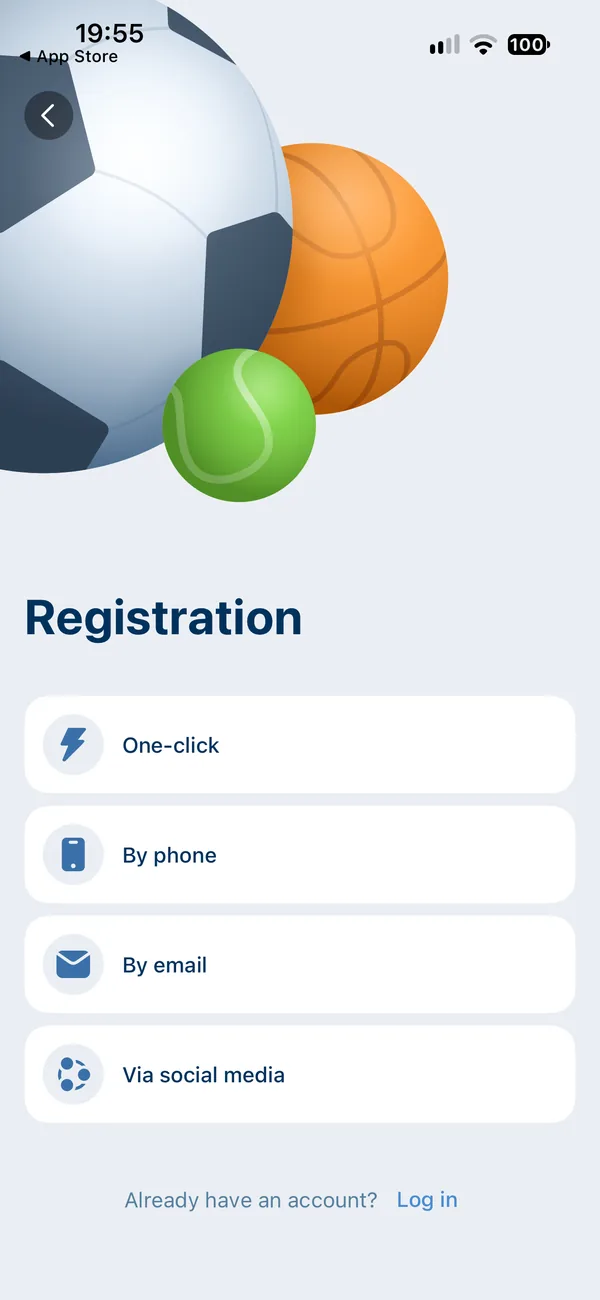
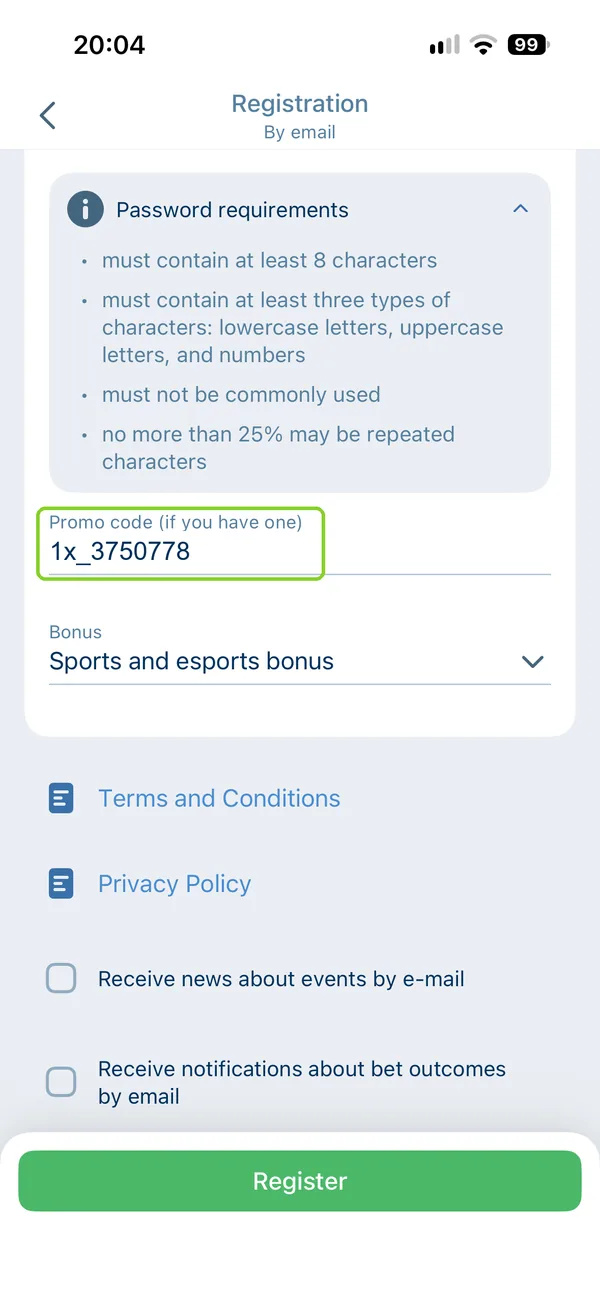
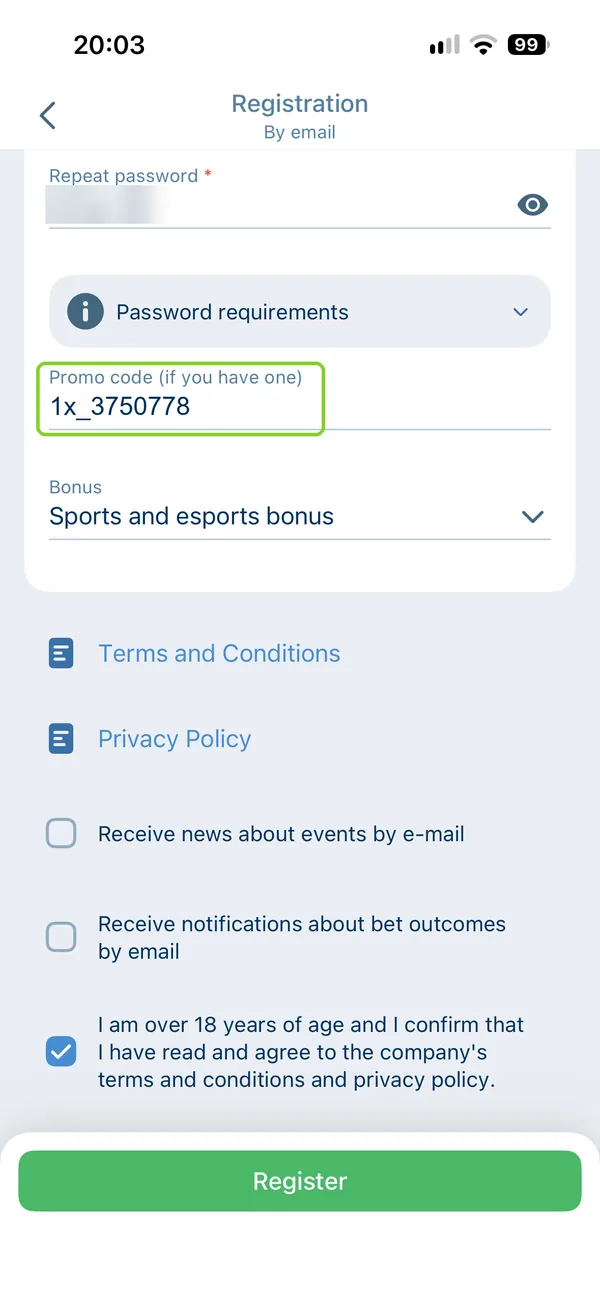
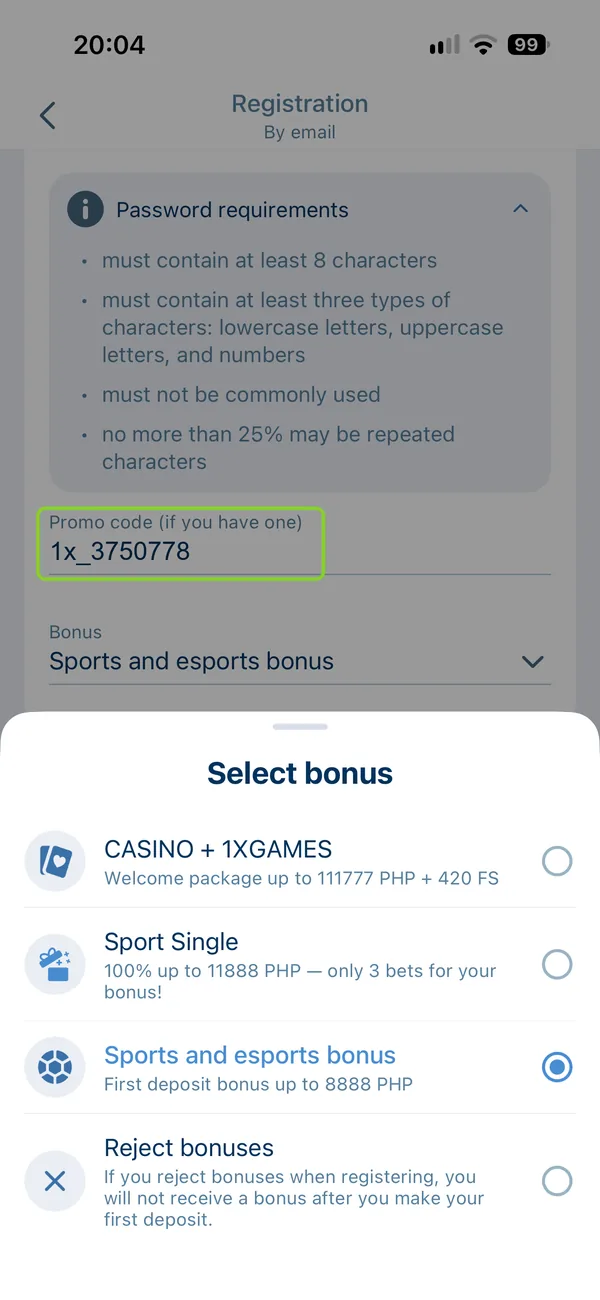
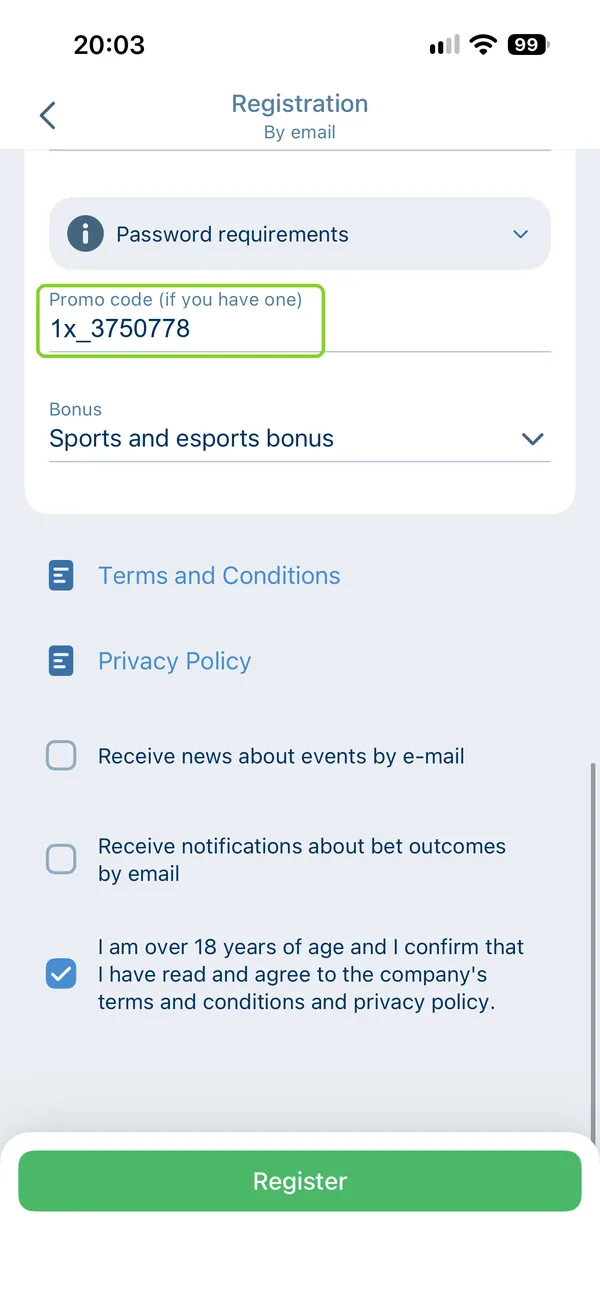
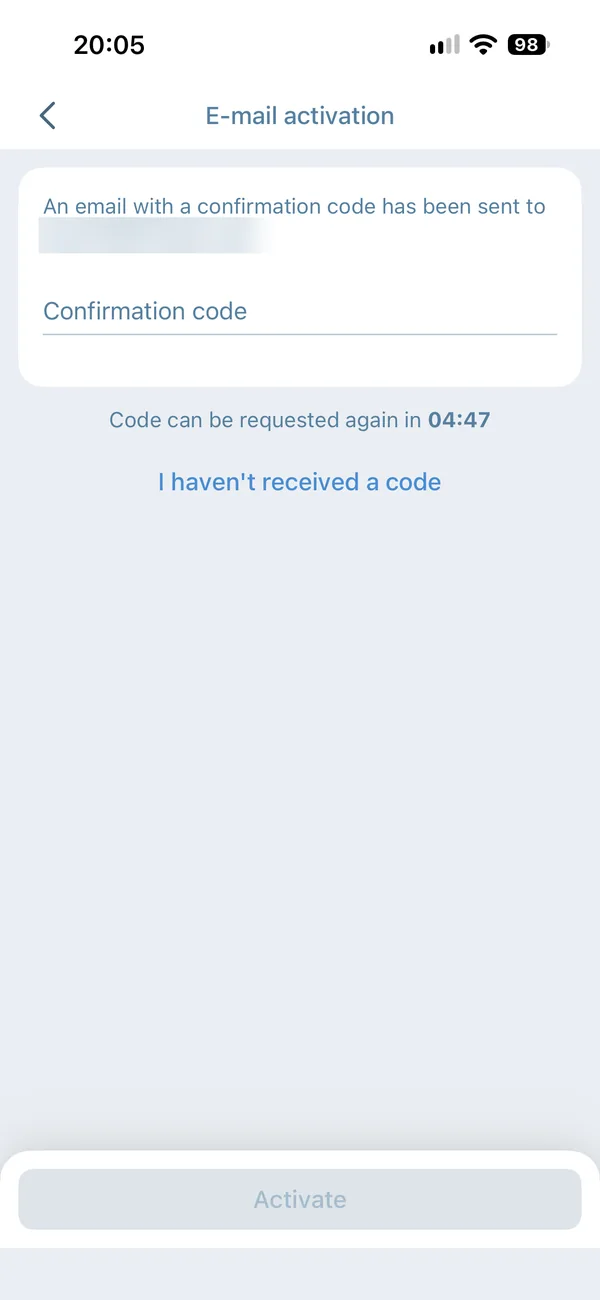
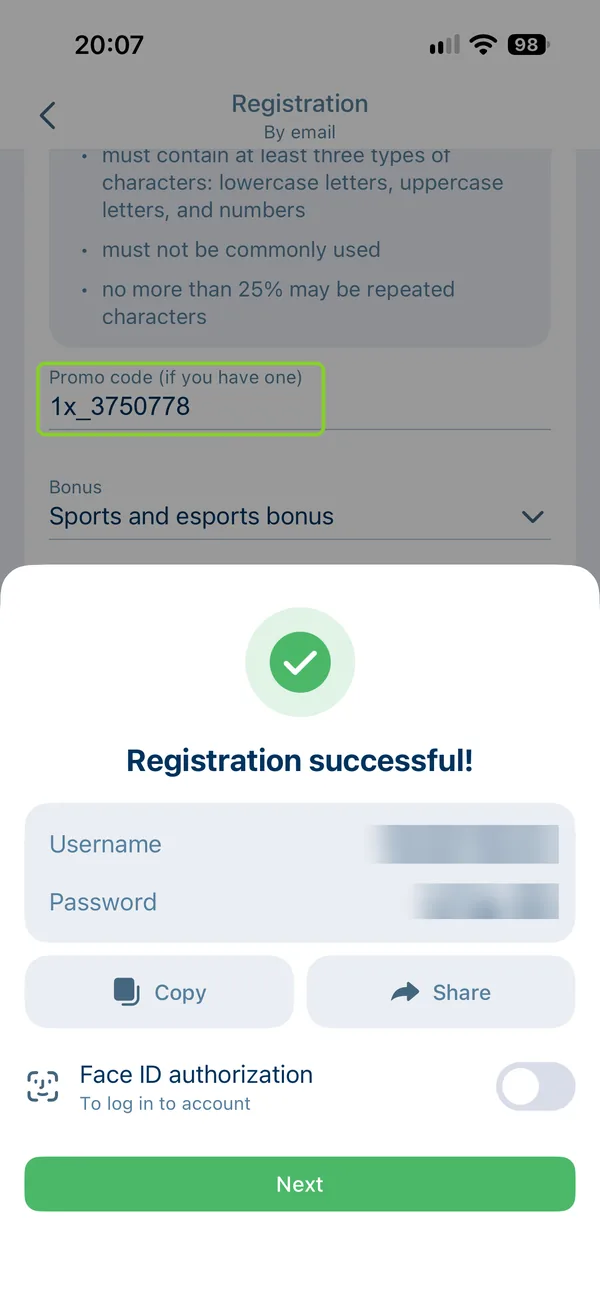
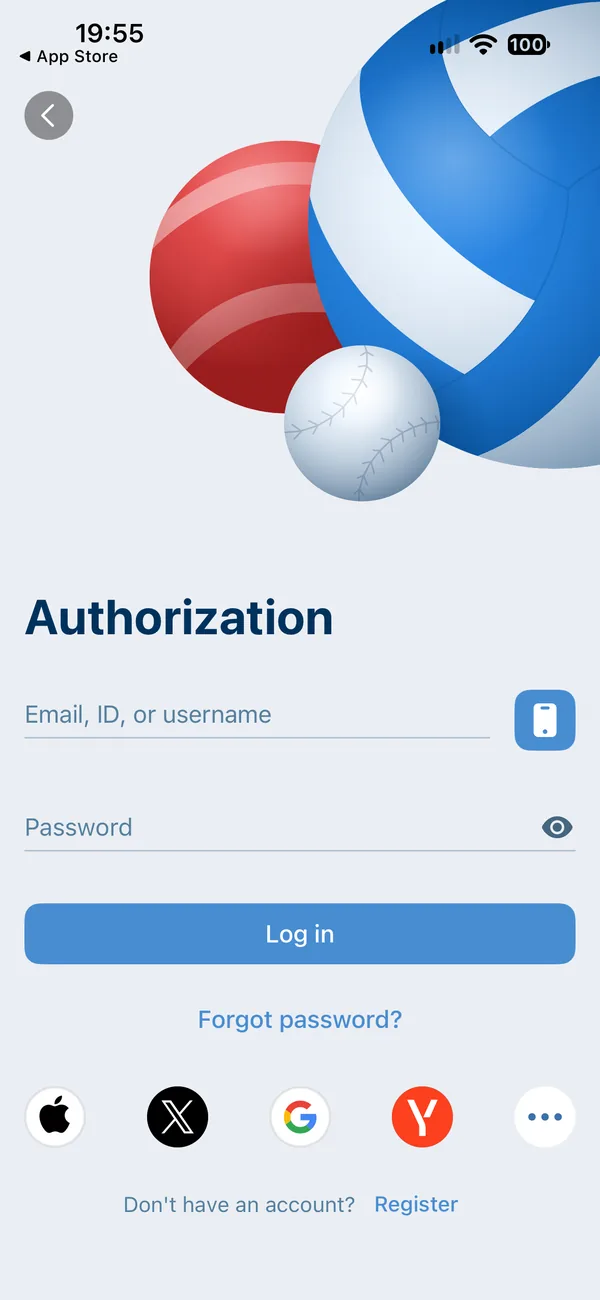
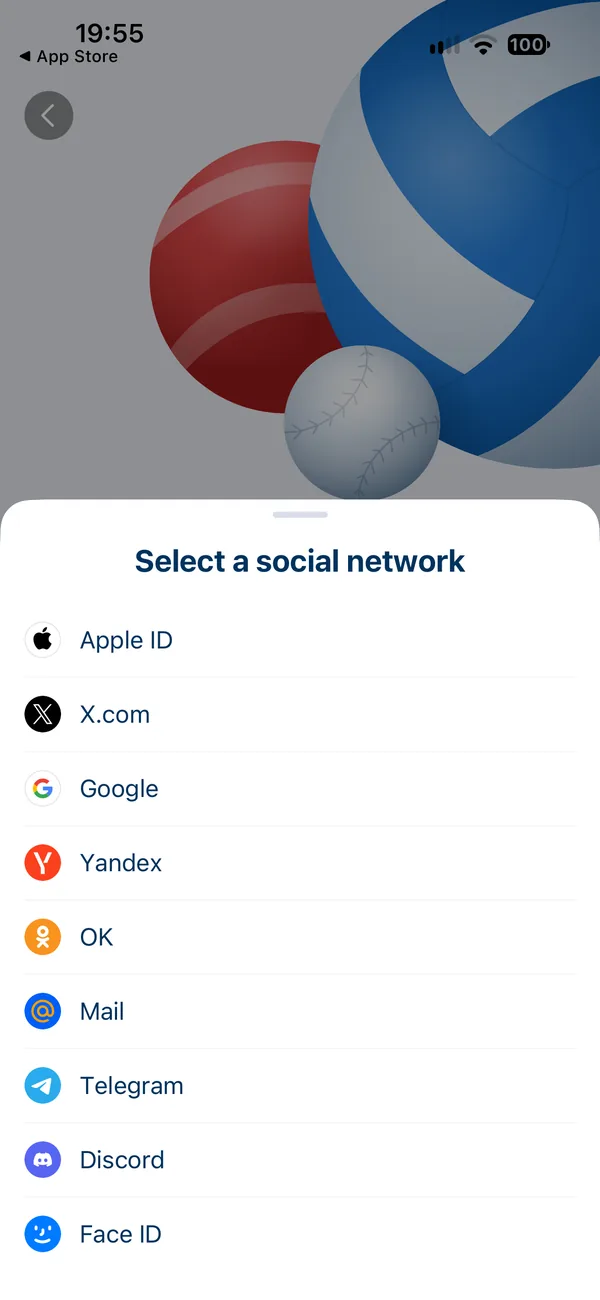
Registration and bonus terms: 1xBet login and registration. Bonus terms: 1xBet promo code.
What the 1xBet iOS App Looks Like
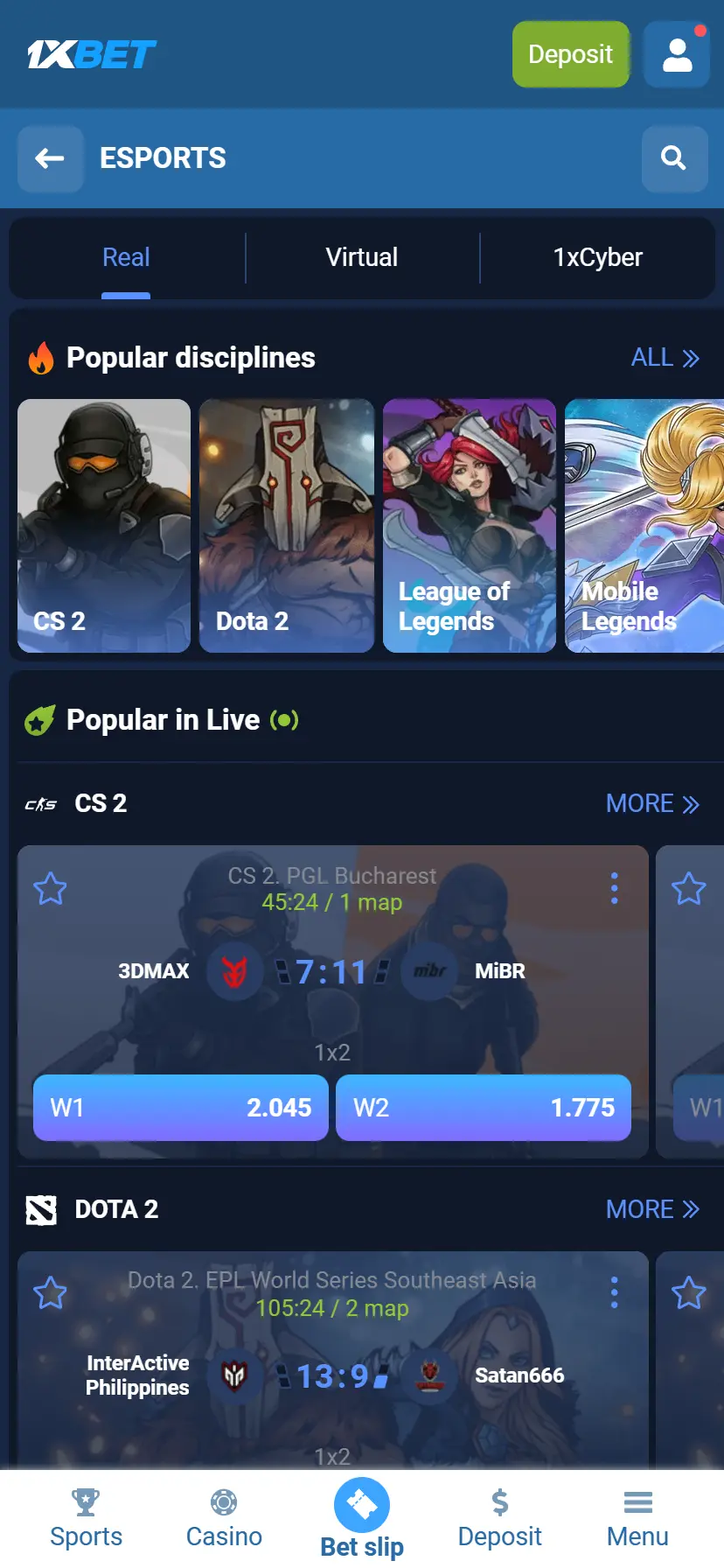
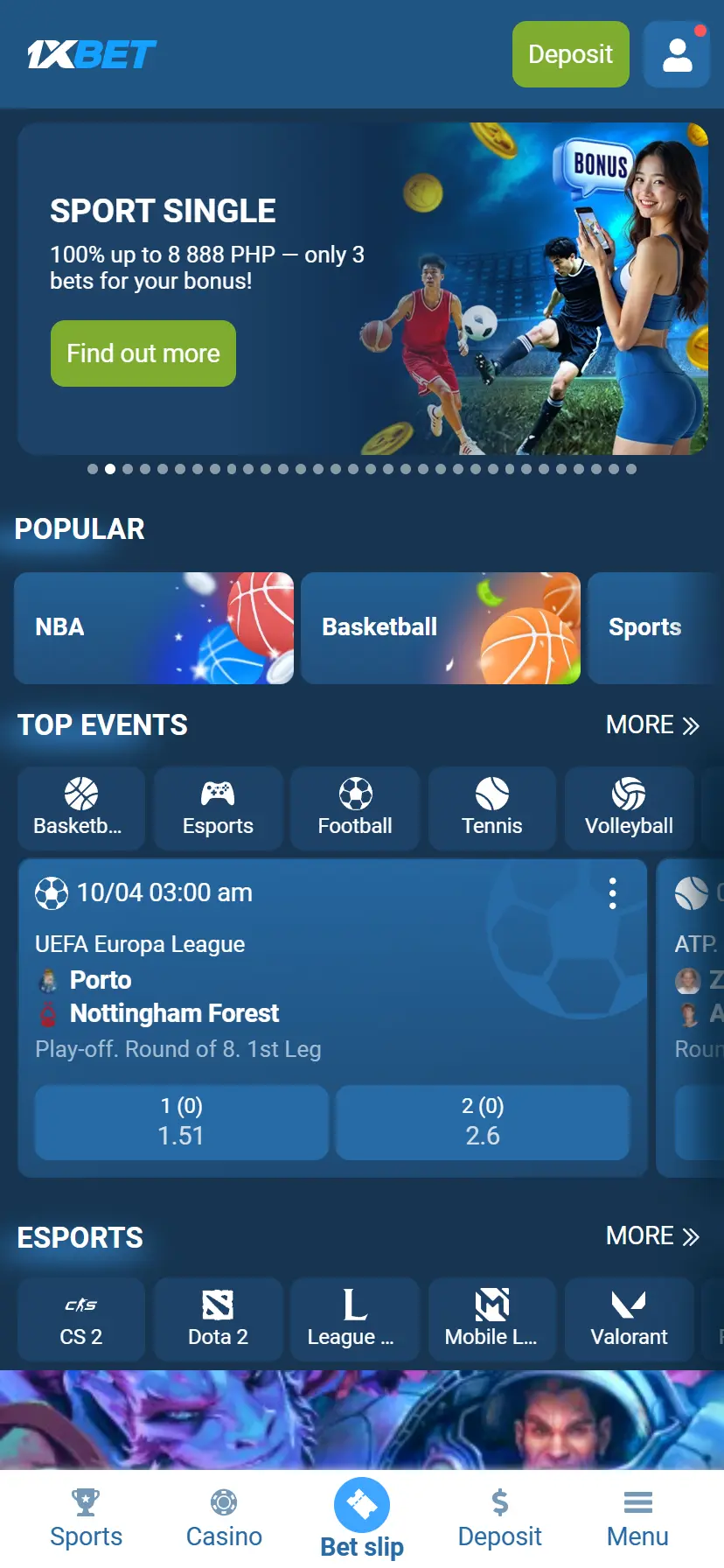
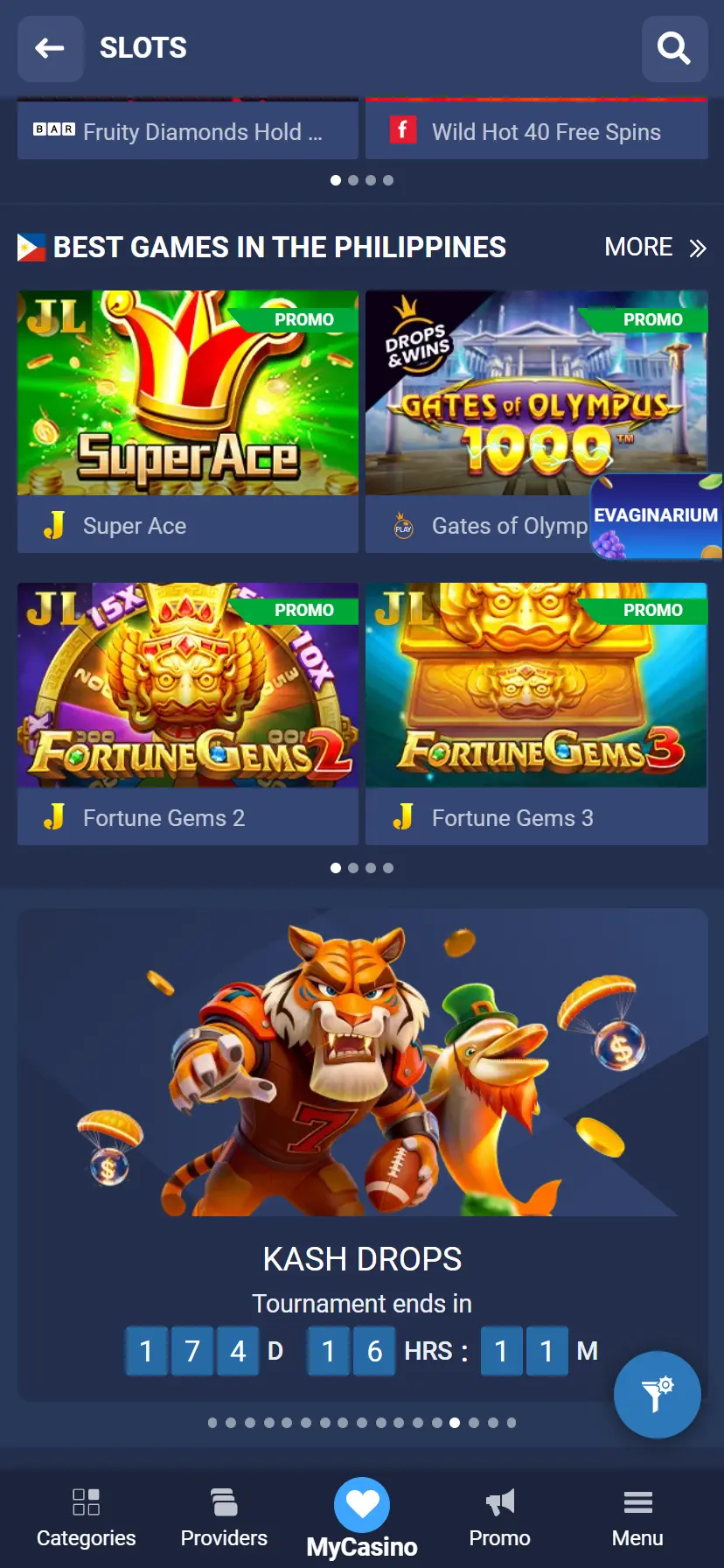
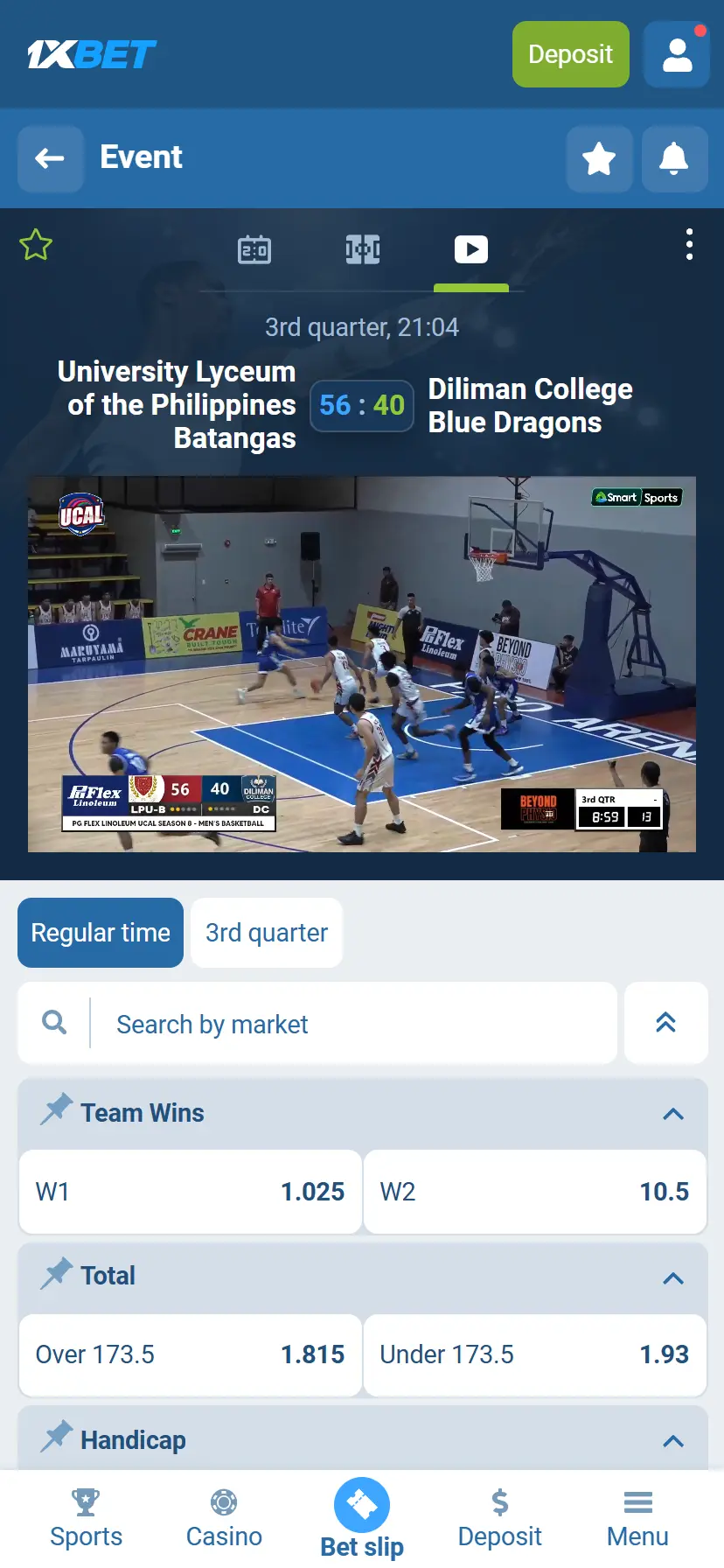
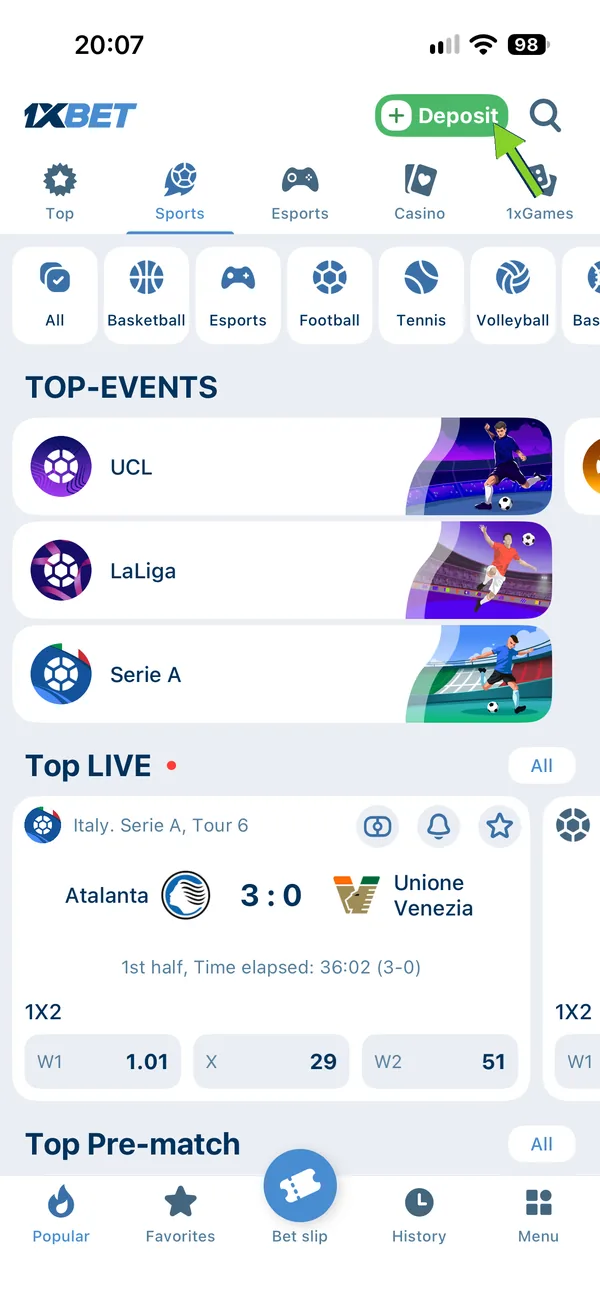
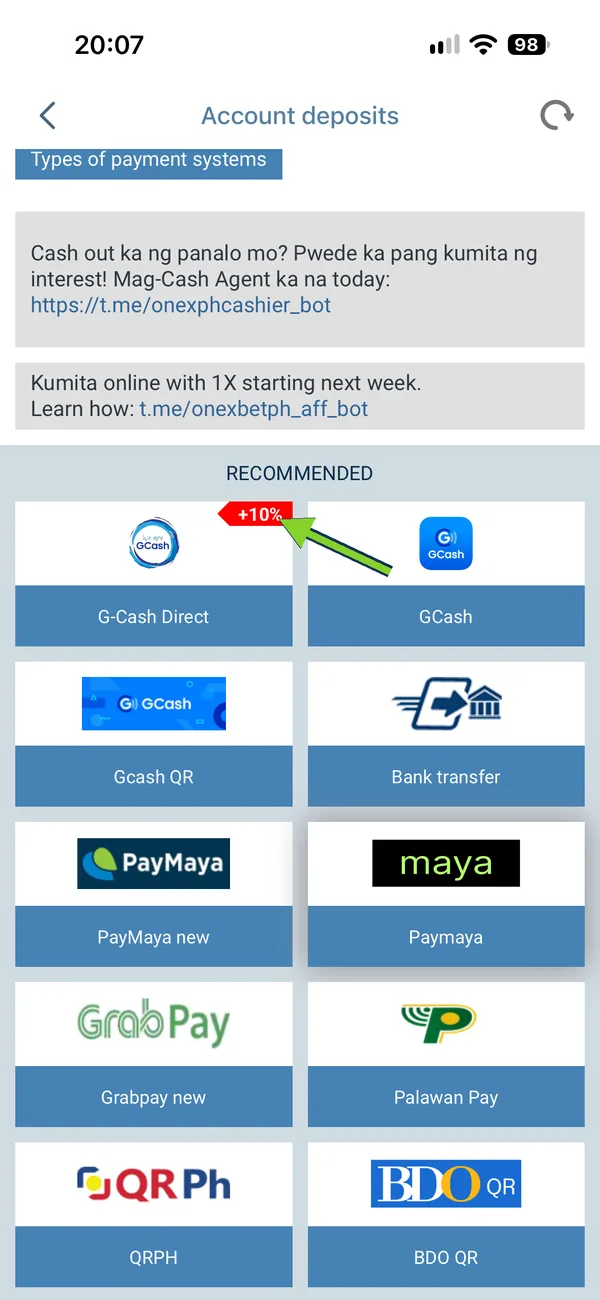
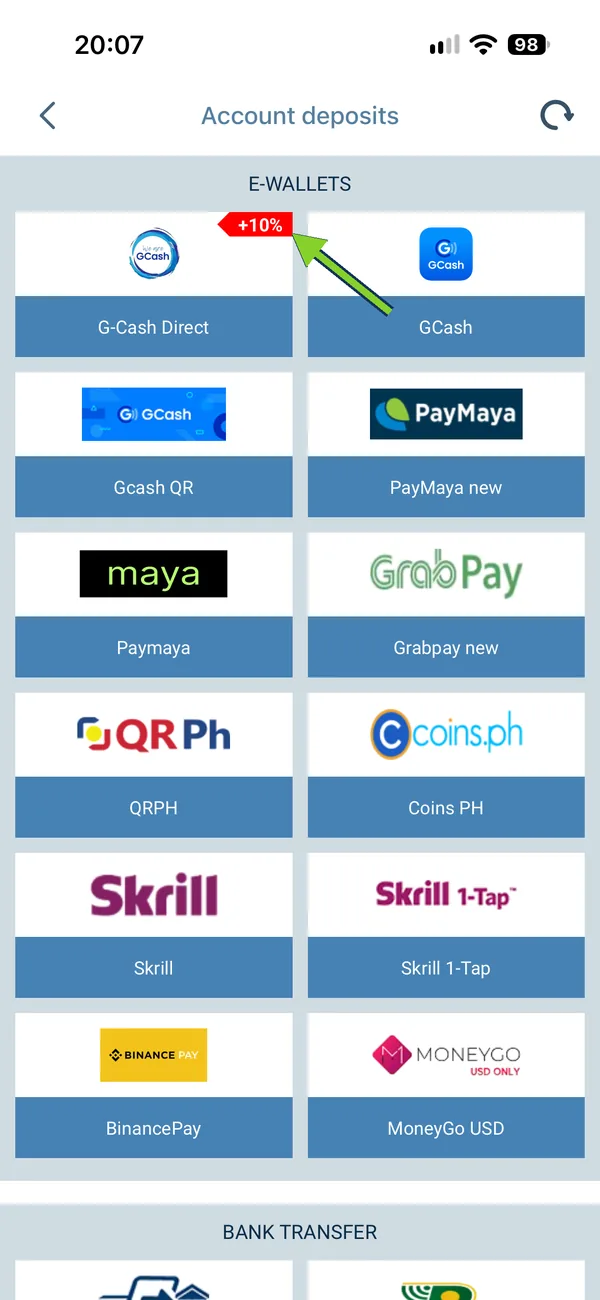
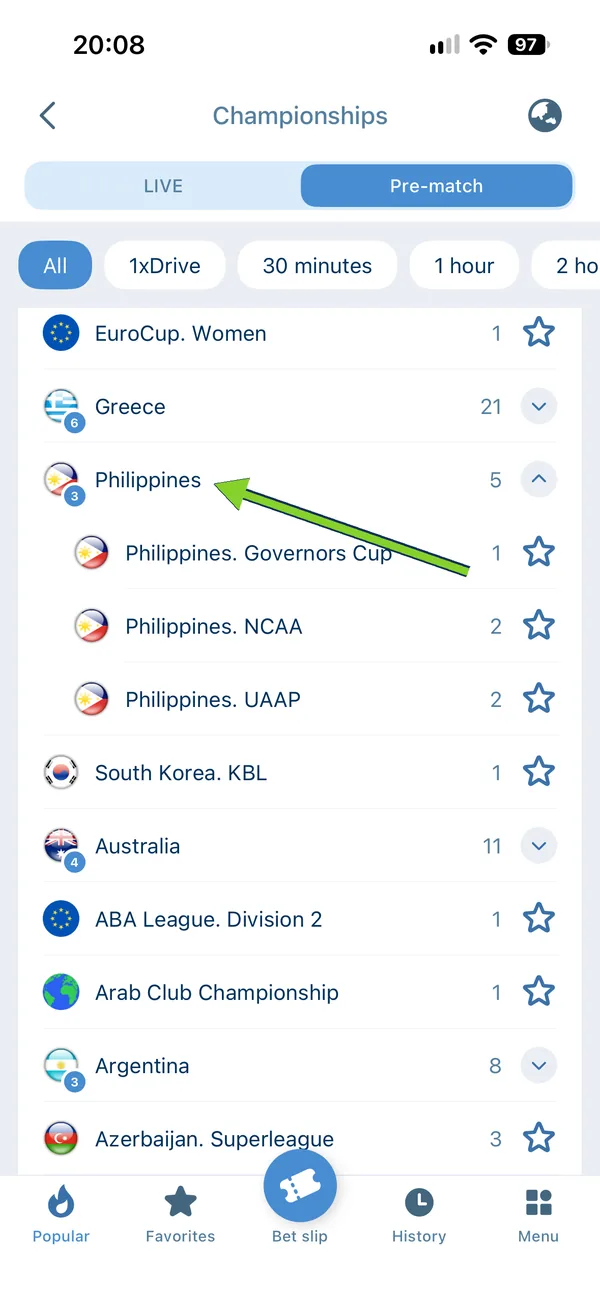
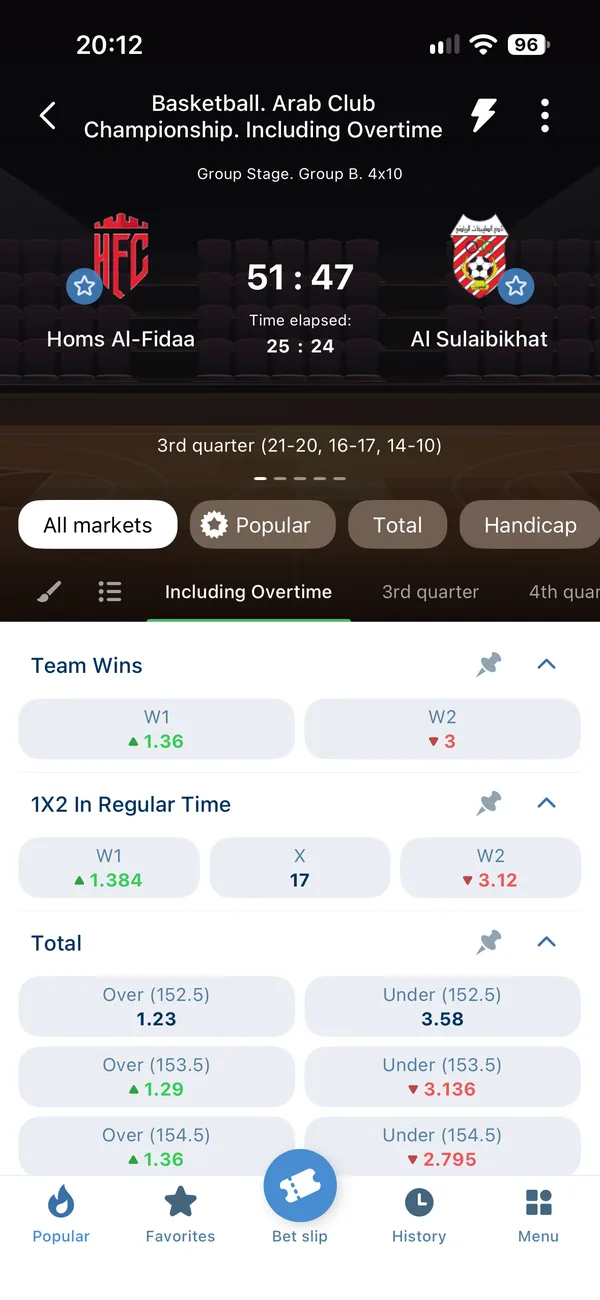
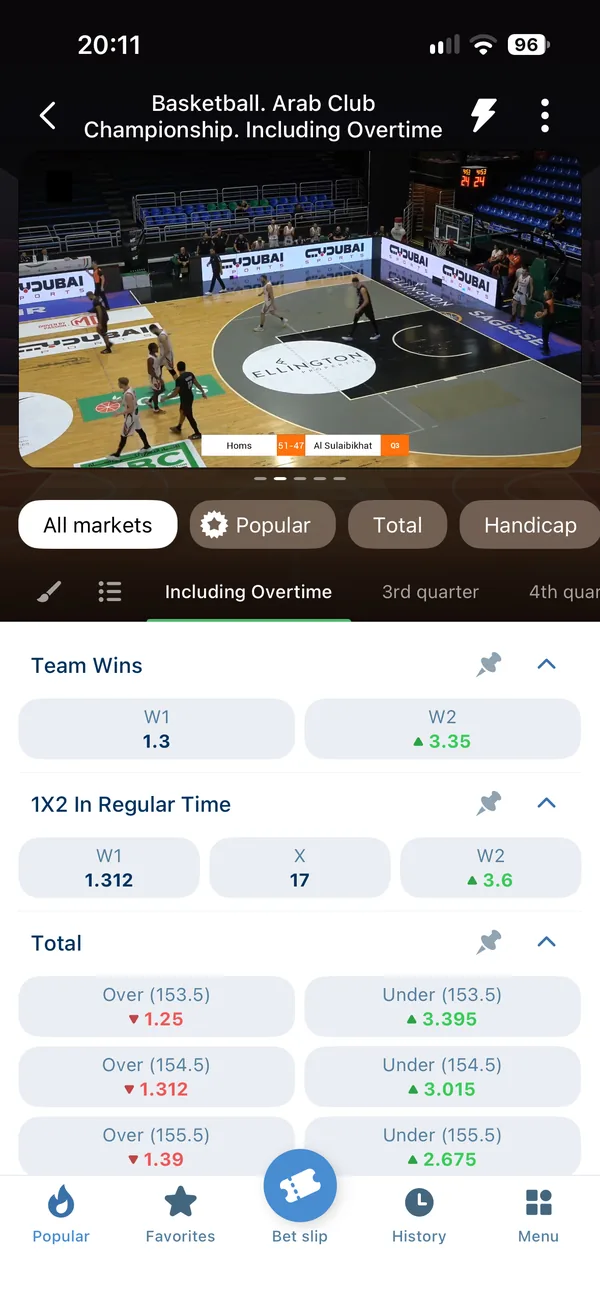
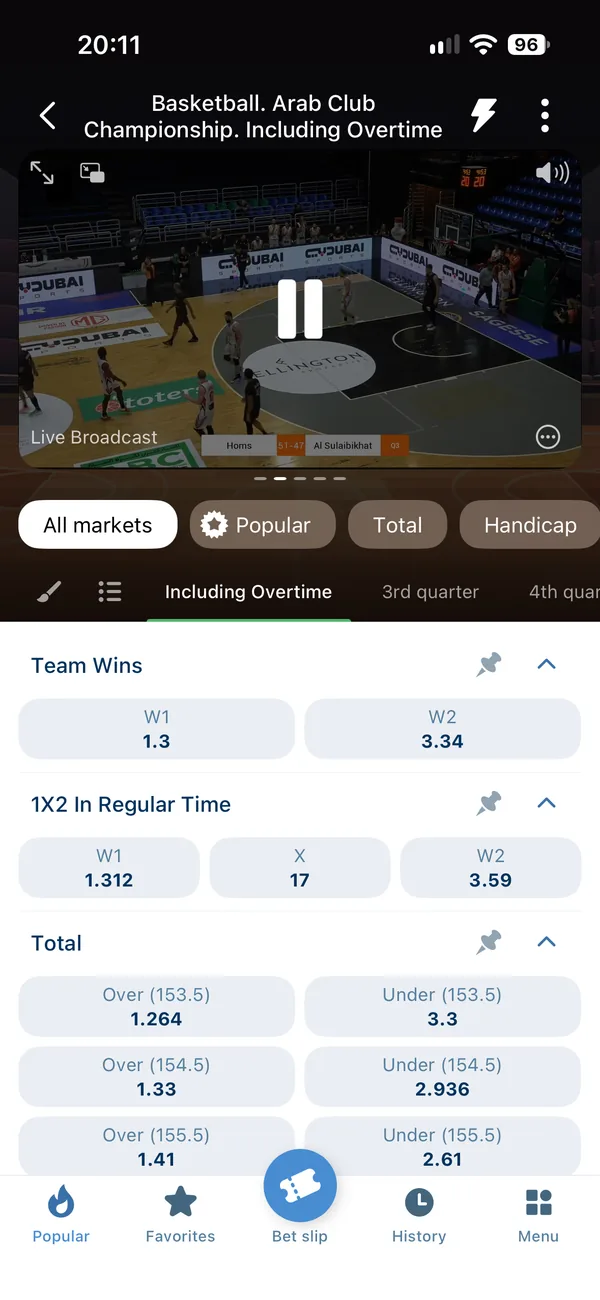
Screenshots from the iPhone app: home screen, deposit, Philippine leagues, live match with stream. Amounts and bonuses depend on your account.
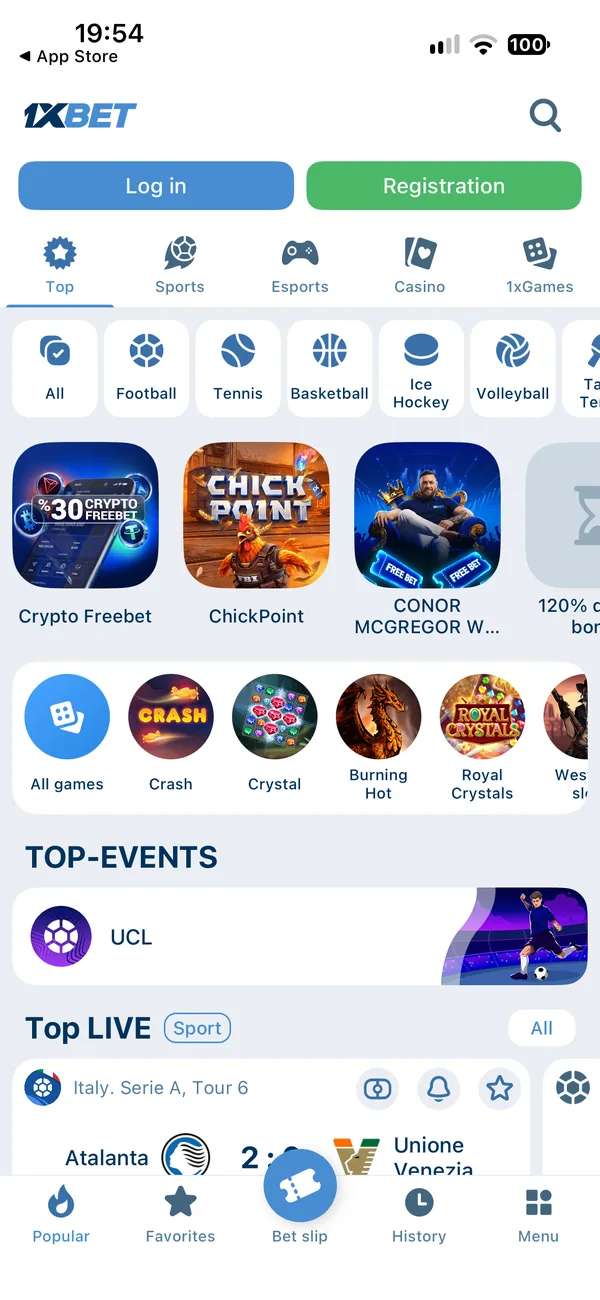
Troubleshooting iOS App Store Installation
| Problem | Cause | Solution |
|---|---|---|
| Can’t find 1xBet in PH App Store | Regional restriction | Switch the App Store region to a country where 1xBet is listed |
| “Payment Method Required” during region switch | App Store region policy | Select “None” or add an international card temporarily |
| App won’t update after switching back | Region mismatch | Switch region back to supported country to download updates |
| App crashes on older iPhone | iOS below 15.0 | Update to iOS 15.0 or later; app requires iPhone 6s minimum |
| Face ID or Touch ID not working in app | Biometric not enabled in app settings | Go to app Settings > Security and enable biometric login |
1xBet on iPhone Without the App Store: Safari Home-Screen Shortcut
1xBet Lite is a PWA (Progressive Web Application) which uses cutting-edge technology and software to enhance and optimize user experience for players who have slow internet or like saving mobile data.It’s fast, light on storage space and it gives full access to betting and casino options.
Install via Safari:
- Visit the 1xBet website using Safari browser and wait for full load
- Press the “Share” button (the square with an arrow coming out of it)
- Swipe down and tap on ‘Add to Home Screen’
- Tap ‘Add’ in the top right corner to confirm. The app icon will appear on your home screen for instant access.
Use promo code 1x_3750778 when join 1xBet.
The PWA must be installed via Safari – other browsers (Chrome, Firefox) on iOS do not support the “Add to Home Screen” PWA feature due to Apple’s WebKit requirements.
PWA vs App Store Install on iOS:
| Feature | App Store (Native App) | PWA (Safari) |
|---|---|---|
| Installation Method | App Store (region switch required) | Safari “Add to Home Screen” |
| Storage | 500 MB or more free; the download is about 321 MB | Minimal cache only |
| Push Notifications | Supported | Limited on iOS |
| Performance | Best – native iOS optimization | Very good – near-native |
| Updates | Region-switch required for updates | Automatic (always latest) |
| Offline Access | Limited | None |
iPad-Specific Experience
iPad offers a larger screen size, allowing users to view more markets and live score data simultaneously. The Apple tablet supports the 1xBet app with a tablet-optimized interface.
- Use landscape orientation for the best sportsbook layout (more markets and odds columns are visible).
- Live casino games benefit significantly from the larger display (live dealer tables feel closer to the real experience).
- The iPad’s larger screen makes managing multi-bet slips and comparing odds across multiple events much easier.
- For iPad mini users the interface scales down cleanly and remains fully usable.
Technical Requirements and Performance Optimization (iOS)
| Specification | Minimum | Recommended |
|---|---|---|
| iOS Version | iOS 15.0 | iOS 16+ |
| Device | iPhone 6s or iPad (5th gen) | iPhone 12+ / iPad Pro |
| RAM | 2 GB | 3 GB+ |
| Free Storage | 500 MB | 1 GB+ |
| App Size | ~321 MB | – |
Devices from iPhone 6s onwards running iOS 15.0 generally handle the application competently.
Keeping your iOS updated to the latest available version helps prevent the app from crashing and ensures access to all features including biometric login.
Network Conditions (iOS):
- Live betting – 4G LTE or Wi-Fi (5 Mbps+)
- Live dealer casino – Wi-Fi preferred (10 Mbps+ for stable video)
- Pre-match betting – 3G sufficient
Performance Tips for iPhone and iPad:
- Close background apps to free RAM before live sessions.
- Keep iOS updated – Apple patches can improve app stability.
- Clear website data in Safari occasionally if using the PWA.
- Enable Wi-Fi calling OFF during betting sessions to prevent connection drops.
- Disable Low Power Mode – it throttles CPU and can cause app slowdowns.
Casino and Sports Betting on iOS
The iOS version of the 1xBet app offers the full casino and sportsbook experience, optimized for iPhone and iPad touchscreens.
Sports Betting on iOS
Sports betting (pre-match and live) is a primary feature of the 1xBet mobile app, available in full on iPhone and iPad. Real-time odds updates and live streaming for select events are supported. Association football is one of the most popular betting markets, alongside basketball (PBA, NBA), tennis, and esports.
Casino on iOS
- Live Dealer Games – stream real dealers via the app in high quality (by Playtech and other providers).
- Roulette – available in multiple variations (with touch-friendly betting chip interfaces).
- Blackjack – intuitive card interfaces designed for mobile screens.
- Baccarat – accessible through both live and digital formats.
- Poker – touch-optimized controls for mobile play.
- Slots – plenty of slot variations (progressive jackpot, Megaways, Crash, Skill games and more) optimized for mobile.
1xBet Welcome Bonus and Promo Codes for Mobile Users
The welcome offers are the same in the iPhone app, in the other apps and on the website. Choose one at registration: sports and esports 100% up to 8,888 PHP, Sport Single 100% up to 11,888 PHP, or the casino package up to 111,777 PHP and 350 free spins. Promo code 1x_3750778 raises the sports bonus to 200% and adds 30% to the first casino deposit bonus.
Amounts, minimum deposits and wagering for each offer: bonuses in the 1xBet app. Full terms: 1xBet welcome bonus.
1xBet Mobile Payments Available in the Philippines
Payments work the same in the iPhone app as in every other version. Deposits and withdrawals are in PHP through GCash, Maya, GrabPay, Palawan Pay, online banking and bank transfer, and crypto. Most local methods start at 100 PHP, and wallet withdrawals usually take 15 minutes to 1 hour.
The full table with limits and times is in payment methods in the 1xBet app. Step by step: 1xBet deposit methods and 1xBet withdrawal options.
Responsible Gaming
- The 1xBet iOS app includes the full suite of responsible gambling tools (Profile > Responsible Gaming):
- Deposit limits (daily, weekly, monthly)
- Loss limits
- Session time limits
- Reality checks
- Self-exclusion
Players must be 21+ to register, per PAGCOR guidelines. The app enforces age verification via KYC.
Rating and Reviews
FAQs
Yes. The App Store version is official and reviewed by Apple (but it’s not available in the Philippine App Store). A region change is required to download it.
Yes. Open 1xBet in Safari (wait for the full page to load) > Tap Share > “Add to Home Screen”. Works like an app without installing
Yes, but requires iOS 15.0 or later. iPhone 6s and newer usually work fine.
Yes, but updates may stop. To keep updating, switch PH region.
Yes, the iOS app supports Face ID for faster login.
The App Store listing shows about 321 MB (version 259.0 when we checked on 9 November 2026). Keep at least 500 MB free on the iPhone.
No. Change the country or region of your existing Apple ID in the App Store account settings, then search for 1xBet. The steps are in the region-change section above.
It was 3.8 out of 5 from about 9.5K ratings when we checked on 9 November 2026. The listing is for iPhone, iPad and Apple Watch.
